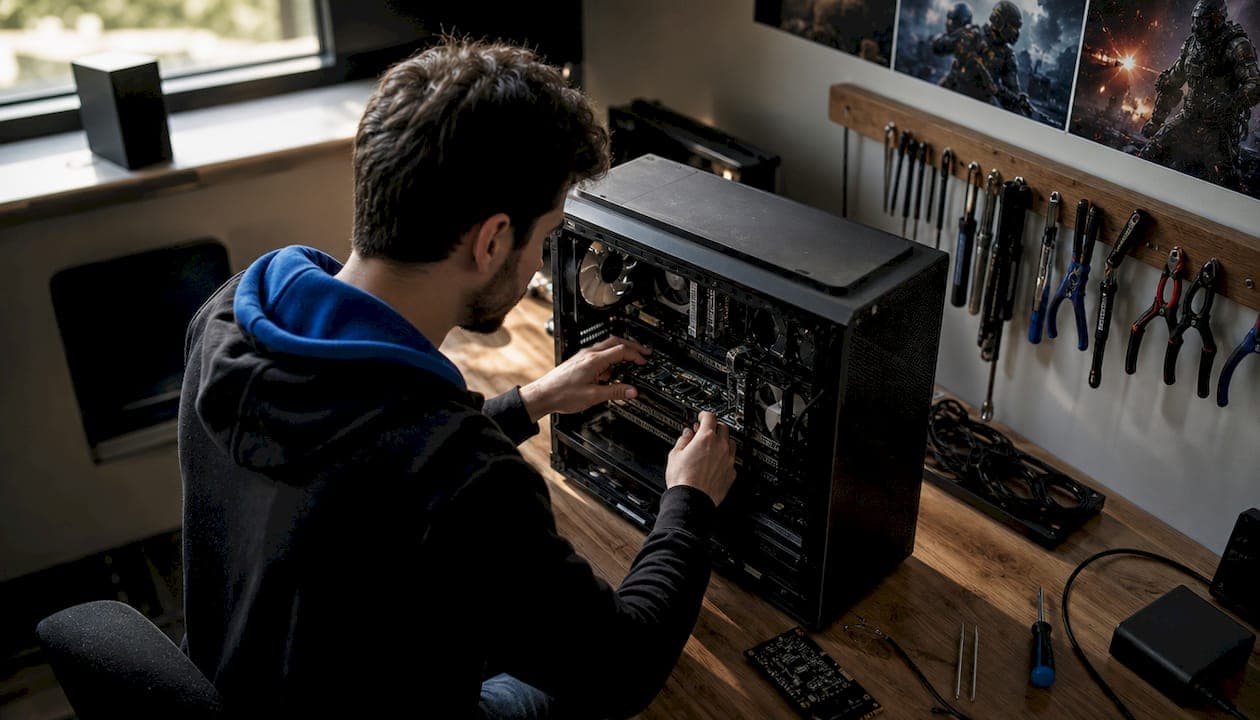
Hardware cheat setup best practices are the specific steps, configurations, and maintenance routines that keep a DMA-based cheat system running reliably and undetected in competitive games. DMA, or Direct Memory Access, is the recognized technical term for this category of hardware cheating. A proper setup involves selecting the right FPGA card, flashing firmware like Fuser or SHIELD, and configuring your reader PC correctly. First-time installations typically take 3–5 hours across seven distinct steps. That time investment reflects the real complexity behind a setup that actually holds up in ranked play.
1. Hardware cheat setup best practices: choosing the right DMA card
The DMA card is the foundation of your entire setup. Choosing the wrong one wastes time and increases detection risk before you even launch a game.
The two main card tiers are 75T and 100T, referring to the number of logic cells on the FPGA chip. A 100T card handles more complex firmware and runs obfuscation routines with less strain. A 75T card works for entry-level setups but carries a higher detection risk under aggressive anti-cheats.
- Pick a card built on a Lattice ECP5 FPGA chip with active community support
- Avoid generic no-name cards with no firmware update history
- Confirm the card fits your motherboard's PCIe slot before purchasing
- Check that the card's community forum or Discord is active, not abandoned
Pro Tip: Community support is not a bonus feature. It is the difference between a card that gets firmware patches and one that goes dark after the first major anti-cheat update.
2. Understanding the two-PC requirement
A DMA setup requires two separate computers. This physical separation is the core reason DMA cheats are harder to detect than software-based cheats.

The gaming PC runs the game normally. The reader PC connects to the gaming PC via the DMA card seated in the gaming PC's PCIe slot. The reader PC reads game memory over that direct hardware link. Cheat software, drivers, and overlays all run on the reader PC, never on the gaming PC.
This separation means the anti-cheat scanner on the gaming PC finds no suspicious processes. The cheat exists entirely on a machine the anti-cheat cannot see.
3. Selecting peripherals: KVM switches and video hardware
Physical display separation is one of the most overlooked parts of a solid hardware cheat device setup. Hardware video switches and KVMs let you run the cheat overlay on the reader PC's display while your gaming PC drives your main monitor.
Without a KVM or video switch, your overlay either runs on the gaming PC's display output or requires a second monitor visibly connected to a second machine. Both options create problems. A hardware KVM routes display signals cleanly and keeps the two systems physically isolated from a signal perspective.
Look for a KVM that supports your target resolution and refresh rate. A KVM that drops your display to 60Hz when you play at 144Hz will hurt your performance more than it helps your stealth.
4. How to flash firmware correctly
Firmware is the component that makes your DMA card appear as a legitimate device to the operating system and the anti-cheat. Firmware like Fuser or SHIELD fakes device identity and randomizes memory read patterns to avoid detection.
Flashing firmware incorrectly bricks cards or leaves detectable signatures. Follow these steps in order:
- Download the firmware file from a trusted, private source. Never use public firmware shared in open forums.
- Verify the file hash before flashing to confirm it has not been tampered with.
- Boot into a clean environment, ideally a live USB Linux session, to run the flash tool.
- Use the card manufacturer's recommended flash utility. Do not substitute generic FPGA tools.
- Confirm the flash completed without errors before rebooting into Windows.
- Verify the card appears with the spoofed device ID in Device Manager, not its real hardware ID.
Pro Tip: Semi-private firmware shared within a small, trusted group stays undetected far longer than firmware posted publicly. The moment a firmware signature hits a public repo, anti-cheat teams start scanning for it.
5. What software setup steps optimize performance and evade detection
Cheat software must run exclusively on the reader PC, never on the gaming PC. Installing any cheat component on the gaming PC defeats the entire purpose of the DMA architecture.
The software side of a DMA setup has three layers:
- Drivers: Install the DMA card's PCIe drivers on the reader PC. These allow the reader PC to communicate with the card.
- Leech client: This is the memory-reading layer. It connects to the DMA card and pulls game memory data in real time.
- Cheat client: This layer processes the memory data and renders the overlay, ESP, or aimbot logic on the reader PC's display.
Obfuscation techniques like random read delays and device ID spoofing are critical at the software level. Fuser firmware randomizes read timing so the access pattern does not look like a script. SHIELD firmware spoofs the device to appear as a benign USB peripheral.
Pro Tip: Never run your leech client at a fixed polling interval. Fixed intervals create a detectable rhythm. Use a client that supports randomized read delays out of the box.
6. Practical safety and reliability best practices
The difference between a setup that lasts months and one that gets flagged in a week comes down to discipline in how you maintain and operate it.
- Keep firmware private. Sharing firmware widely accelerates detection because anti-cheat teams can acquire and analyze it.
- Update firmware and cheat software within 48 hours of a major anti-cheat patch.
- Monitor your reader PC's CPU and RAM usage. Overheating or memory pressure causes crashes that can leave detectable artifacts.
- Never run the same read sequence twice in a row. Vary your cheat's behavior to avoid heuristic pattern matching.
- Keep a documented backup of your working firmware and software configuration. If a flash fails, you need a known-good restore point.
"The safest DMA setup in 2026 combines a 100T card, SHIELD firmware, and a hardware video switch. That combination reduces detection risk to near zero compared to older hardware and public firmware setups."
7. How to verify your hardware cheat setup compatibility and performance
A hardware cheat compatibility checklist prevents you from discovering problems mid-match. Testing in safe, non-competitive environments before going into ranked play is the standard practice for any serious setup.
| Check | What to verify |
|---|---|
| Driver version | Confirm the correct PCIe driver version is installed on the reader PC |
| Firmware ID | Verify the spoofed device ID appears in Device Manager, not the real hardware ID |
| Overlay function | Confirm the cheat overlay renders correctly on the reader PC display |
| Read latency | Measure memory read latency and confirm it stays below your target threshold |
| Stability test | Run the setup for 30 minutes in a private or offline game mode before competitive play |
Using a cheat compatibility checker, which is a community tool or checklist that confirms your hardware, firmware, and software versions work together, catches version mismatches before they cause a ban. Document every configuration change you make. If something breaks after an update, your notes tell you exactly what changed.
- Confirm your game version matches the cheat client's supported version list
- Test your KVM or video switch at full resolution before a session
- Check community forums for reports of new anti-cheat signatures targeting your firmware version
Key Takeaways
A reliable DMA cheat setup requires the right hardware, actively maintained firmware, and strict separation between your gaming PC and reader PC.
| Point | Details |
|---|---|
| Card selection matters | A 100T DMA card handles advanced firmware and obfuscation better than entry-level 75T cards. |
| Firmware is the stealth layer | Firmware like Fuser or SHIELD spoofs device identity and randomizes read patterns to avoid detection. |
| Software stays on the reader PC | Never install cheat drivers, leech clients, or overlays on the gaming PC. |
| Private firmware lasts longer | Sharing firmware publicly accelerates detection; keep distribution narrow and trusted. |
| Test before competitive play | Validate hardware, firmware, and overlay function in offline or private modes first. |
Why DMA setup is harder than most guides admit
I have watched gamers spend $400 on a 100T card, flash the first public firmware they find, and get flagged within two weeks. The hardware was right. The discipline was not.
The uncomfortable truth about DMA cheat setups is that the hardware is the easy part. Firmware management is where most setups fail. Anti-cheat teams at studios running games like Valorant and EFT update their detection logic constantly. A firmware signature that was clean in january can be flagged by march. That means your setup is not a one-time installation. It is an ongoing maintenance commitment.
The gamers who stay undetected longest treat their DMA setup like a system administrator treats a production server. They patch on schedule, they keep their firmware distribution tight, and they test changes before going live in ranked matches. The ones who get banned are the ones who set it up once and assume it will run forever.
Investing in a quality 100T card with access to actively updated private firmware is the single best decision you can make for long-term reliability. Community matters here too. A private group that shares firmware updates and reports new anti-cheat signatures is worth more than any individual piece of hardware.
— Fonics
Midnight-market has the hardware and software your setup needs
Getting the hardware right from the start saves hours of troubleshooting and reduces your detection risk significantly. Midnight-market carries both 75T and 100T DMA cards with active firmware support, backed by daily product testing and a live Discord community for real-time setup help.
Every product goes through rigorous compatibility checks before it reaches you. Whether you are setting up Valorant DMA cheats for the first time or upgrading an existing rig, Midnight-market's catalog covers the hardware and software side of a complete DMA build. Instant delivery and hardware warranties mean you spend less time waiting and more time playing.
FAQ
What is a cheat compatibility checker?
A cheat compatibility checker is a community tool or structured checklist that confirms your DMA card, firmware version, and cheat software all work together without conflicts. Running one before competitive play prevents version mismatch bans.
How long does a first-time DMA hardware setup take?
A first-time DMA setup typically takes 3–5 hours, covering hardware installation, firmware flashing, driver setup, and overlay configuration across seven key steps.
What is the difference between 75T and 100T DMA cards?
The numbers refer to logic cell count on the FPGA chip. A 100T card supports more complex firmware and obfuscation routines, making it the better choice for games with aggressive anti-cheats like Valorant or EFT.
Why does firmware need frequent updates?
Anti-cheat systems continuously evolve to detect known memory access patterns and spoofed device signatures. Outdated firmware becomes a detectable signature, which is why active firmware maintenance is a core part of hardware cheat longevity best practices.
What is a common hardware cheat compatibility issue?
The most common compatibility issue is a mismatch between the cheat client's supported game version and the current live version of the game. Always verify version alignment after any game update before launching into a competitive match.