
A flag like "Process Injection" or "Generic Packed File" usually points to a high-confidence signature match or memory tamper, and that's the kind of entry that ends accounts. A "Cleared Event Log" or single low-severity telemetry blip is a different story: often noisy, often survivable, rarely worth a panic quit. Either way, stop playing, screenshot everything the panel shows you, and work through the triage steps below before you assume the worst.
TL;DR:
- Most detection flags like process injection and DMA activity are definitive because they require deliberate actions and rarely occur accidentally.
- Low-severity or noisy flags such as cleared event logs and unsigned file execution often stem from legitimate tools or routine system behavior.
- Correlating flag timestamps with recent updates, driver changes, or installations helps distinguish between false positives and genuine threats.
- Multiple layers of detection firing in the same session significantly increase confidence that a flag indicates cheating, especially with high or critical severity tags.
- Using cheating detection software tested against current game builds and providing thorough evidence expedites review and reduces false positives.
Table of Contents
- Anti Cheat Logs Explained: Common Entries And What They Mean
- Quick Triage Checklist For A Suspicious Flag
- Reading Severity, Frequency, And Timing In The Dashboard
- Building A False-Positive Report That Actually Gets Reviewed
- What Fonics Sees Most Often In False-Positive Cases
- The Real Lesson Buried In These Log Entries
- Tested Cheats And Hardware With Support That Actually Answers
- Where To Verify Detection Details Yourself
- Sources
Anti Cheat Logs Explained: Common Entries And What They Mean
Every detection line is built the same way: a timestamp, a check name, a severity badge, and sometimes a linked artifact or replay. Learning to read that structure is the whole skill.
Vendor documentation for systems like Global Detection Logs lists dozens of named checks, and most fall into a handful of buckets:
- Process injection: code was written into another process's memory space, a classic loader behavior and one of the harder flags to explain away.
- Generic packed file / unsigned file execution: the anti-cheat found an executable that isn't signed or looks compressed in a way common to cheat loaders, not always malicious but always logged.
- GUI renderer / overlay detection: something is drawing on top of the game window, which can mean an ESP overlay or, less dramatically, Discord's overlay or a capture tool.
- DMA or fuser activity: hardware-level flags tied to direct memory access devices, treated as a serious signal because legitimate players rarely trigger them by accident, as Global Detection Logs notes.
- Cleared event logs / USN journal modifications: someone wiped Windows logging history, which anti-cheat reads as evidence tampering even when the wipe was routine disk cleanup software.
Not every flag carries the same weight. Injection and DMA/fuser detections tend to be definitive because they require deliberate action to trigger. Cleared logs and packed-file flags are noisier; they can fire from legitimate tools, driver installs, or antivirus quarantine behavior.
A typical anonymized log line looks like this: [2026-01-14 22:03:11] CHECK: process_injection SEVERITY: critical EVIDENCE: replay_id_88231. That structure, timestamp plus check name plus severity plus an evidence pointer, is standard across modern panels. Detection dashboards built on this model, like AsyncAnticheat's findings view, display count and severity together so admins can see whether a flag fired once or fifty times in a session.
Pro Tip: If your log entry has no evidence link attached at all, that's often a sign the system logged a low-confidence heuristic rather than a hard match, worth noting before you assume the worst.
Quick Triage Checklist For A Suspicious Flag
You have maybe two minutes before anxiety turns into bad decisions. Work through this in order.
- Check for captured evidence first. Does the flag include a screenshot, replay ID, or clip? Panels that expose this, the way Raven Anticheat's review workflow recommends, let you self-assess in under a minute instead of guessing.
- Look at your trust score history. A long clean history with one isolated flag reads very differently than a fresh account with three flags in a week.
- Count how many independent systems fired. One subsystem flagging once is common. Signature detection, telemetry, and replay review all firing on the same session is a different tier of problem entirely, echoing the layered approach in multi-view detection research like HAWK.
- Check timing against your own session. Did the flag land during a driver update, alt-tab, or software install? Correlate the timestamp against what you were actually doing on the machine.
- Run a fast artifact check. Look at Amcache entries, Prefetch, and whether your USN journal shows unexplained gaps around the flag time.
If two or more of those checks come back ambiguous, or if the flag is severity high or critical, that's your cue to escalate to manual review rather than resolve it yourself. Annotate the case with what you found at each step. Admins move faster on cases that already show the reviewer's own homework.
Reading Severity, Frequency, And Timing In The Dashboard
Severity badges are the fastest signal a panel gives you, and most systems color code them the same rough way: low, medium, high, and critical, a convention documented across dashboards like AsyncAnticheat.
- Low severity usually means monitor only, no action taken, logged for pattern purposes.
- Medium often triggers a flag for later review but rarely an immediate ban.
- High typically moves into an active review queue.
- Critical can trigger immediate suspension pending human confirmation.
Frequency matters as much as severity. A single medium flag is background noise. The same flag firing across process injection, telemetry, and replay review in the same session pushes confidence toward certainty, which is the layered logic behind frameworks like HAWK.
Delayed bans confuse a lot of people, but they're usually a good sign, not a bad one. Many systems queue high-confidence flags for GM verification rather than auto-banning instantly, since human review catches edge cases automated scoring misses. If you played three days ago and nothing happened yet, you're likely sitting in that queue rather than being ignored. Historical trust plays into the outcome too: repeat triggers on an account with prior flags get weighted far more harshly than a first-time medium flag on an otherwise clean history.
Building A False-Positive Report That Actually Gets Reviewed
Admins move fast on reports that hand them everything up front. Slow, vague appeals sit in queues.
Collect these before you write anything:
- Screenshot or replay tied to the detection ID.
- Any Amcache, USN journal, or Prefetch snapshots from around the flag time, since these artifacts persist even after files get deleted, per Detect's documentation.
- A list of drivers and background processes running that session.
- Timestamps of any recent software installs, Windows updates, or driver changes.
| What to include | Why it matters |
|---|---|
| Detection ID | Lets the reviewer pull the exact log entry instantly |
| One-line rationale | Tells them your theory before they dig |
| Recent install/update timeline | Explains coincidental timing |
| Contact method | Speeds back-and-forth if they need more |
Submit through the vendor's flagging panel when one exists, or the publisher's support channel otherwise. Marking a confirmed false positive in-panel does more than clear your case. It feeds back into threshold tuning so the same noise pattern stops firing for other players too, a loop Raven Anticheat specifically calls out as underused.
What Fonics Sees Most Often In False-Positive Cases
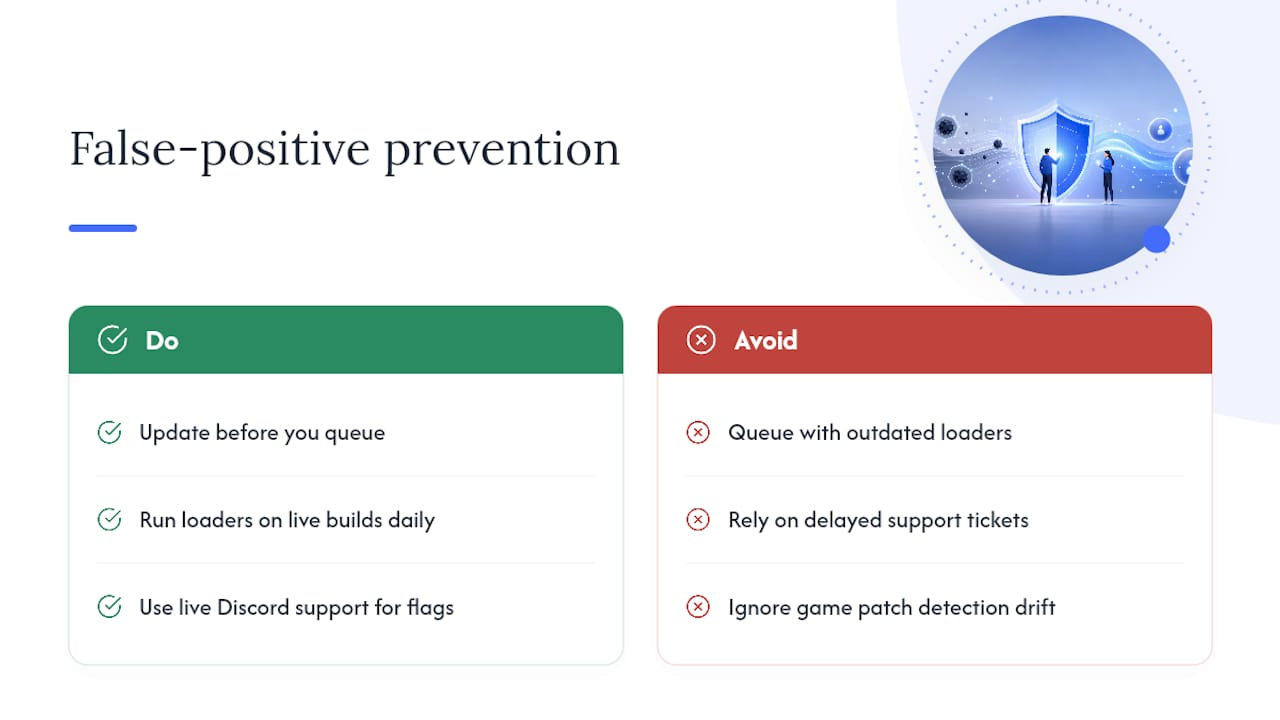
The most common trigger isn't exotic. It's outdated loaders running against a freshly patched game, which is exactly how game updates change detection behavior. Midnight-market runs daily testing against live builds specifically to catch that drift before it reaches a customer's session. Live Discord support exists for the same reason: when a flag looks ambiguous, a real person checking it in minutes beats a support ticket sitting for days. The simplest prevention step remains the most ignored one: update before you queue, not after.
The Real Lesson Buried In These Log Entries
Most guides treat every anti-cheat flag as equally terrifying, and that's the wrong instinct. The research on layered detection is consistent: single-signal flags are common and often survivable, while flags that stack across injection, telemetry, and replay review are the ones that end accounts. Treat your triage checklist as a confidence filter, not a panic button.
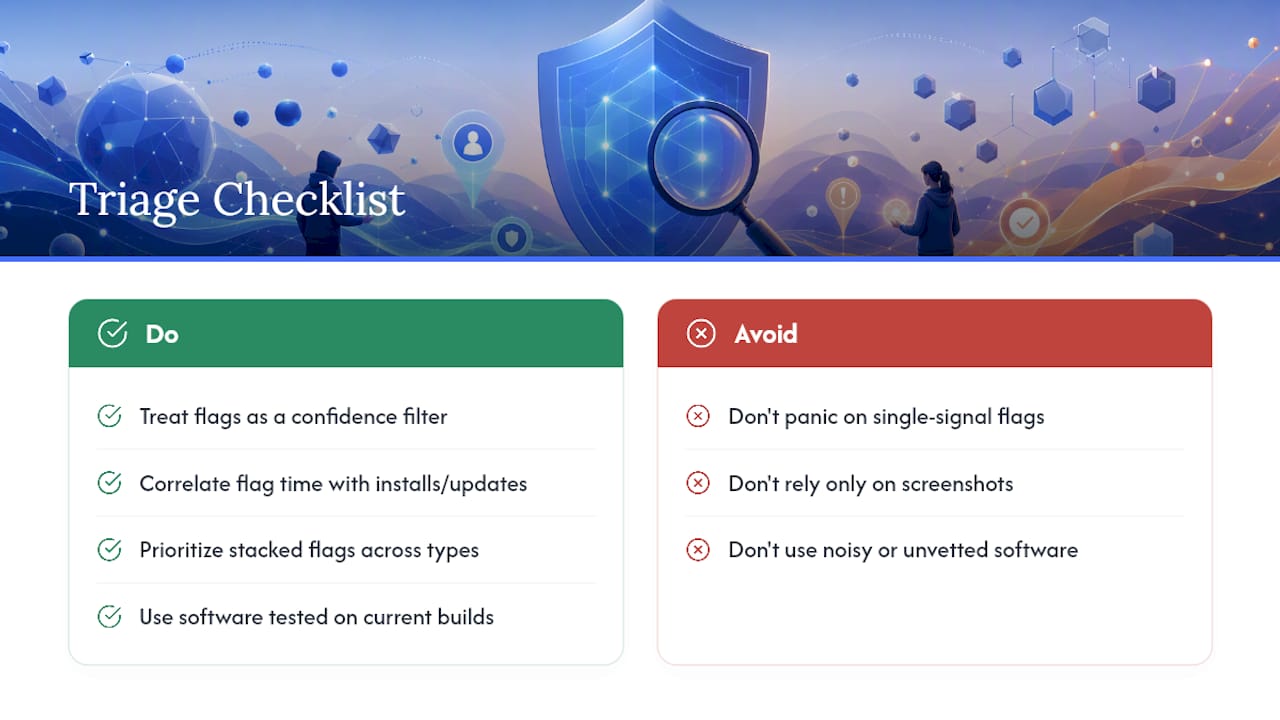
The conventional advice, "screenshot everything and hope," misses the actual leverage point, which is timing correlation. Match your flag timestamp against your own install and update history before assuming malice. That single step resolves more ambiguous cases than any appeal template.
What matters more than log literacy alone is using software that's tested against current builds instead of software that generates the noisy flags in the first place. Reading logs well helps you survive a bad flag. Not generating bad flags is the better problem to have.
— Fonics
Tested Cheats And Hardware With Support That Actually Answers
Reading a detection log well is a defensive skill. The better move is running software that's already been checked against the build you're queuing into. Midnight-market runs daily detection testing across titles like Escape from Tarkov, Valorant, Apex Legends, and Counter-Strike 2, so the loaders and hardware you're running have already been stress-tested against the exact kind of flags this article just walked through.

The lineup covers game-specific software bundles, HWID spoofers, and DMA hardware like the Godlike 10th Gen Fuser, all backed by warranty support and instant key delivery. Bundles such as BE Elite and EAC Elite get updated the same day a game patches, which is exactly the window where most false positives happen. If a flag ever looks ambiguous, live Discord support means a real person looks at it while you still remember what you were doing when it fired. Browse the current catalog at the Midnight-market store and pick the setup that matches your game.
Where To Verify Detection Details Yourself
For readers who want to check a specific flag against primary documentation: Global Detection Logs catalogs named checks in depth, AsyncAnticheat's dashboard docs show how severity and count render in a live panel, and Midnight-market's own post on why cheats get detected covers detection causes in more detail than fits here.
Sources
- Findings | AsyncAnticheat
- Global Detection Logs
- False positives: how to review a suspicious ban in 60 seconds | Raven Anticheat