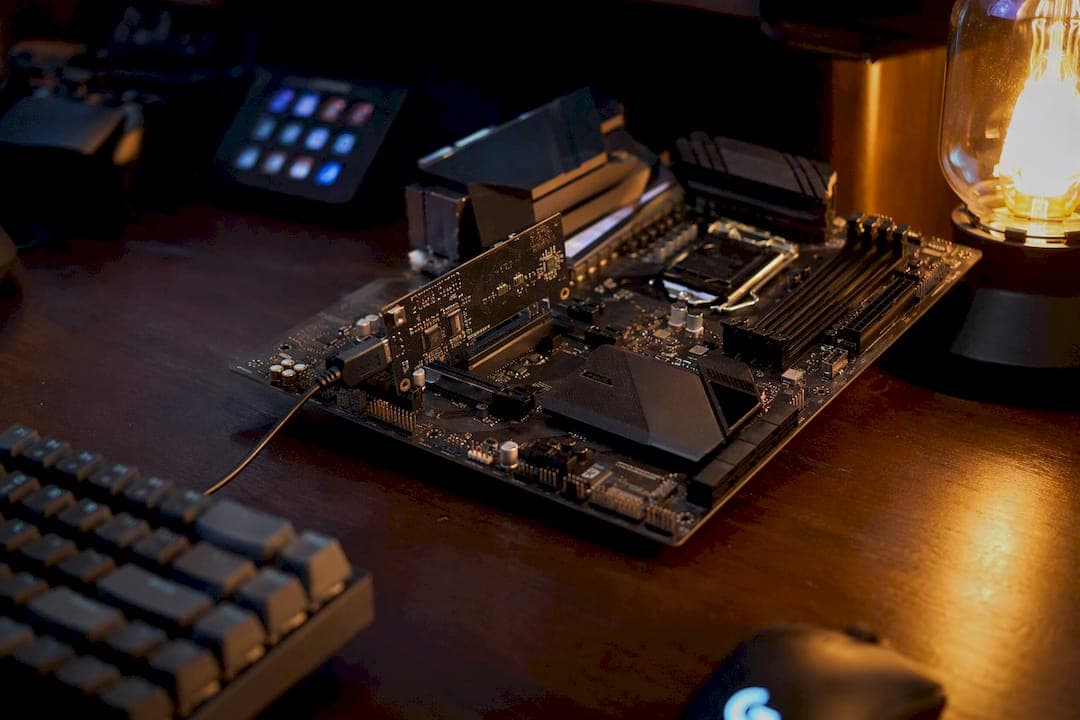
A USB-connected cheat device in this context is a DMA card plus a separate computer that reads game memory externally, so no cheat process ever runs on the gaming PC itself. The DMA card plugs into a PCIe slot on the gaming rig and tunnels those memory reads over USB or Thunderbolt to a second machine, where the actual cheat software (aimbot logic, ESP overlays) does its work. Some setups add a fuser or HID device to send visuals and inputs back to the gamer without a second monitor.
Why gamers use this approach comes down to one thing: process-based anti-cheat scans the gaming PC's memory and running processes. If the cheat logic lives on a physically separate PC, there's nothing local to scan.
That doesn't mean it's invisible. Platform-level defenses like IOMMU, Secure Boot, and TPM attestation are built specifically to counter this class of hardware, and they're the real variable in whether a setup stays undetected.
- DMA card + cheat PC = memory reads happen off the monitored machine.
- Fuser/HID (optional) = closes the loop for overlays and aim input.
- IOMMU/Secure Boot/TPM = the platform-side countermeasures that matter most.
Key Takeaways
DMA-based USB cheat devices work by moving memory reads to a separate PC and depend on consistent HWID spoofing across every identifier surface to avoid detection.
| Point | Details |
|---|---|
| Definition | A DMA card plus a separate cheat PC reads game memory externally, keeping no cheat process on the gaming PC. |
| Consistency beats single edits | HWID spoofing must cover SMBIOS, disk, NIC, GPU, registry, and TPM together, not one field at a time. |
| IOMMU is the top counter | Platforms enabling IOMMU, Secure Boot, and TPM attestation are the main technical block against DMA reads. |
| Firmware needs maintenance | Game updates and platform security rollouts routinely break firmware that worked previously. |
| Midnight Market's role | Sells DMA cards, fusers, and HWID solutions backed by daily testing, Discord support, and a hardware warranty. |
Table of Contents
- How Does a USB Cheat Device Work Architecturally?
- What Hardware Do You Actually Need to Get Started?
- Why Does Firmware and HWID Spoofing Matter So Much?
- How Do Anti-Cheat Systems Detect DMA Hardware?
- What Does Setting Up a DMA System Actually Involve?
- What Are the Real Risks and How Do You Manage Them?
- What's the Honest Take on Hardware Cheats?
- Where Midnight Market Fits If You're Building One of These Setups
- Sources
How Does a USB Cheat Device Work Architecturally?
Three pieces make up a working setup: the gaming PC (where the game and anti-cheat run), the DMA card (the physical bridge), and the cheat/DMA PC (where the actual software lives). The DMA card sits in a spare PCIe slot on the gaming machine and presents itself as an ordinary device, no different in appearance to Windows than a network card or a capture card. It reads physical memory directly off the PCIe bus and streams that data out over a USB, Thunderbolt, or USB4 link to the second PC.
That second PC does all the heavy lifting: parsing memory offsets, running the aimbot math, rendering ESP boxes. None of that computation happens on the gaming PC, which is exactly why process-scanning anti-cheat has a blind spot here.
Getting information back to the player is the part people underestimate. Two common approaches:
- A second monitor connected directly to the cheat PC, showing the overlay separately from the game.
- A fuser device that blends the DMA PC's overlay output with the gaming PC's video signal, plus an HID actuator that injects aim inputs so the whole loop, read memory, compute a target, move the mouse, closes without touching the gaming PC's own input stack.
Pro Tip: A fuser is not optional if you want a single-monitor setup that looks and feels native. Skipping it usually means juggling two displays, which gets old fast during ranked play.
What Hardware Do You Actually Need to Get Started?
The checklist is shorter than most people expect, but every item on it matters.
- DMA card — FPGA-based, the actual PCIe endpoint that performs the memory reads.
- A spare PCIe slot or Thunderbolt path on the gaming PC to host the card.
- A second PC with a USB3 or Thunderbolt port to run the cheat software.
- Firmware flashed onto the FPGA that defines how the card identifies itself.
- Cheat software compatible with the target game and card.
Optional but common additions: a fuser, an HID actuator, capture or composite hardware, and a second monitor for testing before you commit to a single-screen setup.
DMA cards are sold in performance tiers, commonly labeled 35T, 75T, and 100T, which refer to the FPGA's logic capacity. Higher tiers read memory faster and handle more complex firmware, which matters for fast-paced titles where latency between a memory read and an overlay update is noticeable. Budget and compatibility both scale with tier, and pricing and hardware requirements vary enough that it's worth confirming firmware support for your specific card and game combination before buying.
Why Does Firmware and HWID Spoofing Matter So Much?
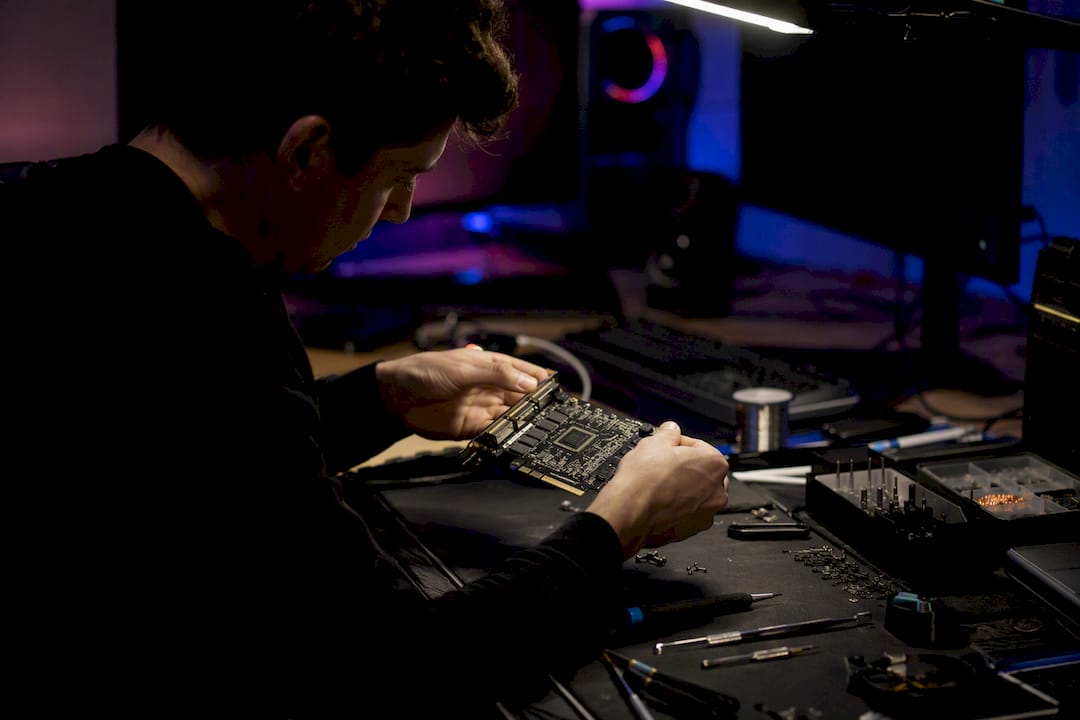
Firmware is what makes a DMA card look like a normal, boring PCIe device instead of an obvious memory-reading tool. Good firmware emulates a real donor device down to its configuration space, meaning the device ID, BAR (base address register) behavior, and vendor strings all match something that actually exists in the wild. Some firmware goes further with 1:1 donor emulation, cloning an exact real-world device's signature rather than a generic template.
HWID spoofing is the parallel problem on the software side: making the whole machine look like a different, clean machine to anti-cheat and ban systems. The identifiers that matter span a wide surface:
- SMBIOS and motherboard serials
- Disk and NIC serial numbers
- GPU UUID and monitor EDID data
- Registry entries tied to hardware IDs
- TPM and EFI/boot identifiers
Here's the part a lot of people get wrong: changing one of these fields and leaving the rest untouched is often worse than changing nothing. Effective spoofing treats identity as a consistency problem across all these surfaces at once, not a single edit. Anti-cheat correlation checks are built to catch exactly that kind of mismatch, and game-specific firmware needs frequent updates as detection methods evolve.
How Do Anti-Cheat Systems Detect DMA Hardware?
The single biggest technical countermeasure is the IOMMU (Input Output Memory Management Unit), which functions like a firewall between PCIe devices and system memory. When enabled, IOMMU can restrict which memory regions a device is allowed to touch, which blocks the exact kind of unauthorized read a DMA card depends on.
IOMMU rarely works alone. Secure Boot verifies the boot chain hasn't been tampered with, TPM attestation measures the system state before the OS even loads, and virtualization-based security (VBS) adds a hardware-isolated layer that's much harder for an external device to touch. Competitive platforms are leaning on all three:
- Device enumeration checks look for PCIe devices with mismatched or suspicious identifiers.
- Configuration-space fingerprinting compares a device's reported behavior against known donor hardware.
- Correlation checks tie hardware IDs to account history, flagging machines that suddenly look "different."
FACEIT and similar platforms have been rolling out IOMMU and TPM requirements, and detection in practice means one of three outcomes: the DMA card simply can't read memory, the device gets disabled at the driver level, or the account tied to it gets banned.
Pro Tip: Check your motherboard's BIOS for IOMMU and VBS settings before buying hardware. If a platform you play on enforces these, your setup's success depends entirely on how your firmware handles that environment, not on the DMA card's raw specs.
What Does Setting Up a DMA System Actually Involve?
At a high level, getting a DMA rig running follows a predictable sequence, even though the specifics vary by card and game.
- Physically install the DMA card in the gaming PC and confirm the PCIe or Thunderbolt connection is recognized.
- Flash the firmware onto the card and verify the device ID matches the intended donor profile.
- Connect the cheat/DMA PC over USB or Thunderbolt and confirm the link is stable.
- Choose your overlay method: a fuser for single-monitor fusion, HID for aim input, or a second monitor for straightforward testing.
- Run private tests to confirm memory reads are working and the overlay responds correctly.
- Check whole-machine identity consistency across SMBIOS, disk, and registry surfaces before touching a live match.
- Back up firmware configurations and driver states in case an update forces a rollback.
This isn't a substitute for a full walkthrough. A detailed setup best-practices guide covers the actual configuration steps in more depth once you've got hardware in hand.
What Are the Real Risks and How Do You Manage Them?
The technical failure modes are the ones people plan for least: firmware getting flagged after a game patch, an IOMMU rollout on a platform you play on suddenly closing your read access, or an update breaking compatibility overnight. Game updates routinely break cheat functionality without warning, which is why firmware maintenance isn't a one-time task.
Account risk is the other half. Enforcement teams correlate hardware IDs with account history, so a poorly spoofed machine doesn't just risk the current session, it risks every account ever logged in on it.
Sensible operating habits: test in isolated environments first, keep firmware current rather than assuming last month's version still holds, and lean on vendor support instead of guessing when something breaks.
Midnight Market backs every hardware sale with rigorous daily testing, live Discord support, and a hardware warranty, because firmware that worked yesterday can get flagged tomorrow, and you shouldn't be troubleshooting that alone.
What's the Honest Take on Hardware Cheats?
Serious competitive players choose hardware over software cheats for one reason: it moves the risk surface off the machine anti-cheat actually scans. The mistake I see constantly is treating firmware as "set and forget" after buying a card. That's backwards. Firmware needs the same ongoing attention as the game itself, especially as IOMMU adoption spreads. Midnight Market's daily testing and Discord support exist specifically because that maintenance burden is real, not theoretical.
— Fonics
Where Midnight Market Fits If You're Building One of These Setups
If everything above sounds like a lot of moving parts to get right on your own, that's because it is. Midnight Market builds DMA cards, fusers, and HWID solutions specifically so you're not flashing firmware from a forum thread and hoping it holds up after the next patch.

The Godlike 10th Gen Fuser covers the overlay fusion side for single-monitor setups, and the broader DMA hardware and cheat catalog covers cards across performance tiers with software matched to titles like EFT and Valorant. Every product ships with daily detection testing, a hardware warranty, and live Discord support, so if a platform's IOMMU rollout or a game patch breaks your setup, you're not troubleshooting it solo at 2 a.m. Head to the store to check current stock and firmware compatibility for your specific game before you buy.